

⚠️Introducing Escalation Policies
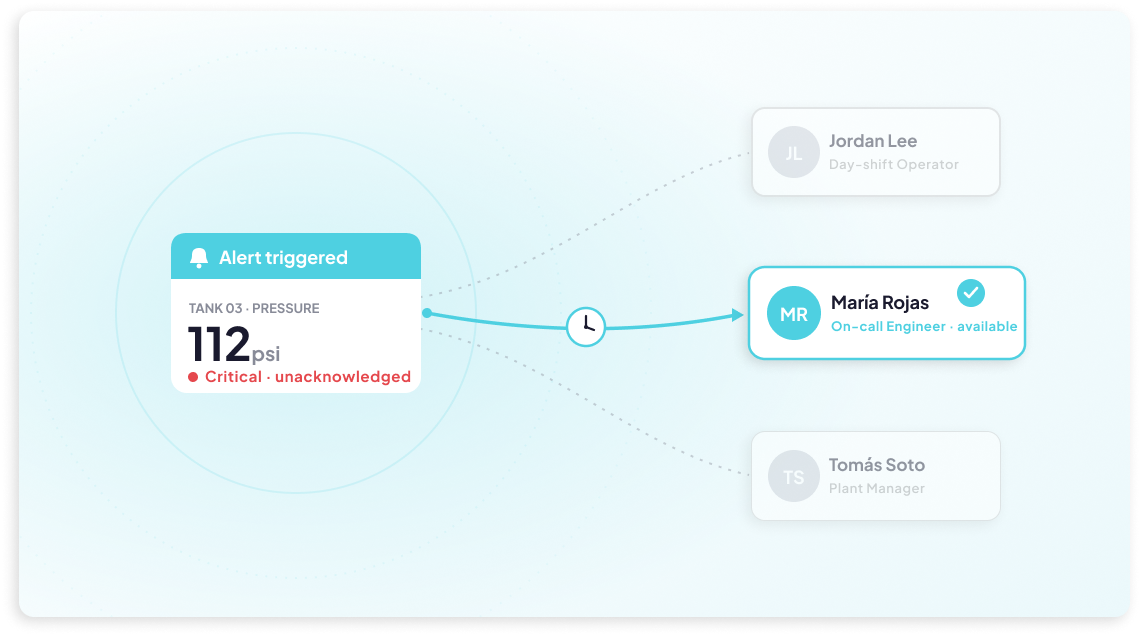
Creating an Incident is only half the battle — making sure the right person actually sees it and acts on it is just as important. That's where Escalation Policies come in. Working hand in hand with the new Incidents module, this feature lets you define a sequence of notification rules that automatically escalate an unacknowledged Incident up the chain, instead of relying on a single alert and hoping for the best. Each rule specifies who gets notified, through which channels — Email, SMS, WhatsApp, or Voice Call — and how many times to retry before moving on to the next set of recipients.
Once a Policy is attached to an Event (or assigned manually when creating an Incident), the escalation runs on its own: if Rule 1's recipients don't acknowledge the issue in time, Rule 2 kicks in, and so on, up to five rules deep. The moment anyone acknowledges the Incident, the escalation stops immediately, no matter which rule is active. Policies are also reusable, so you can build an escalation chain once and apply it across multiple Events. It's a simple way to add real accountability to your alerting workflow — ensuring critical issues are never just a notification that goes unread.